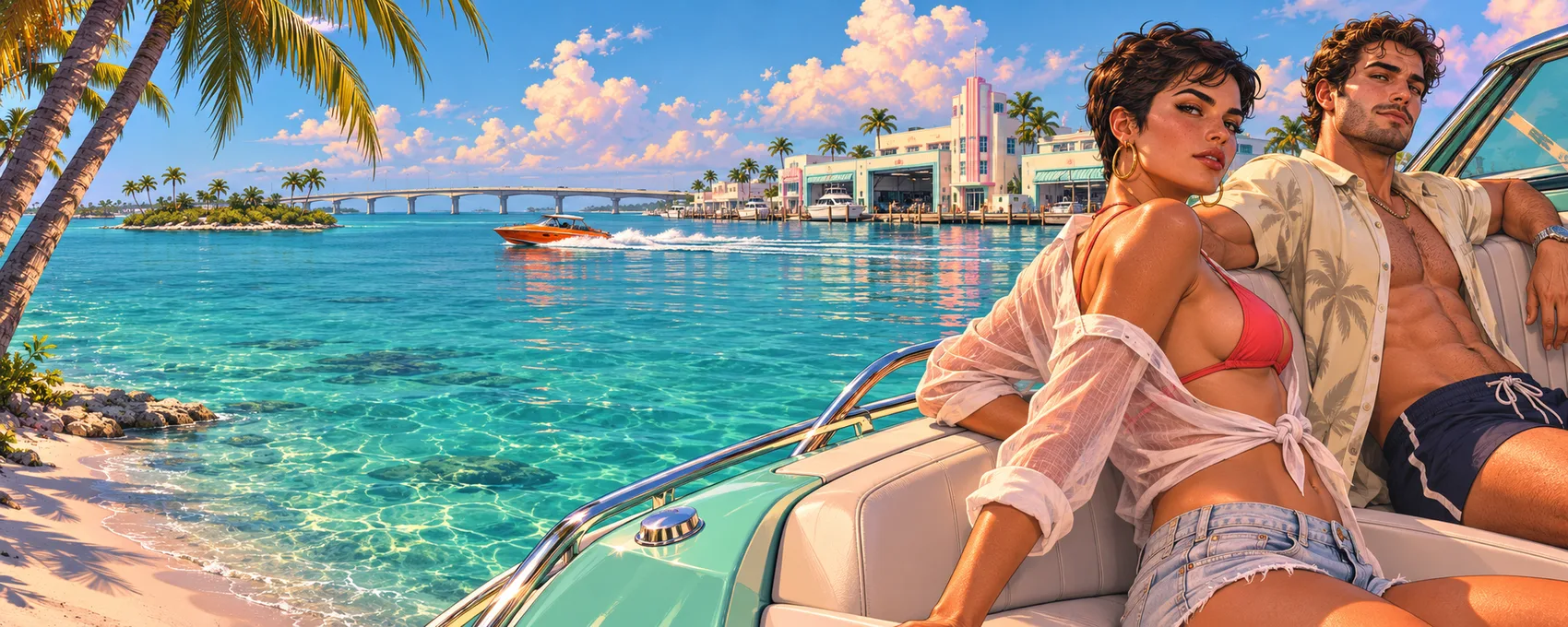
GTA 6 Filter
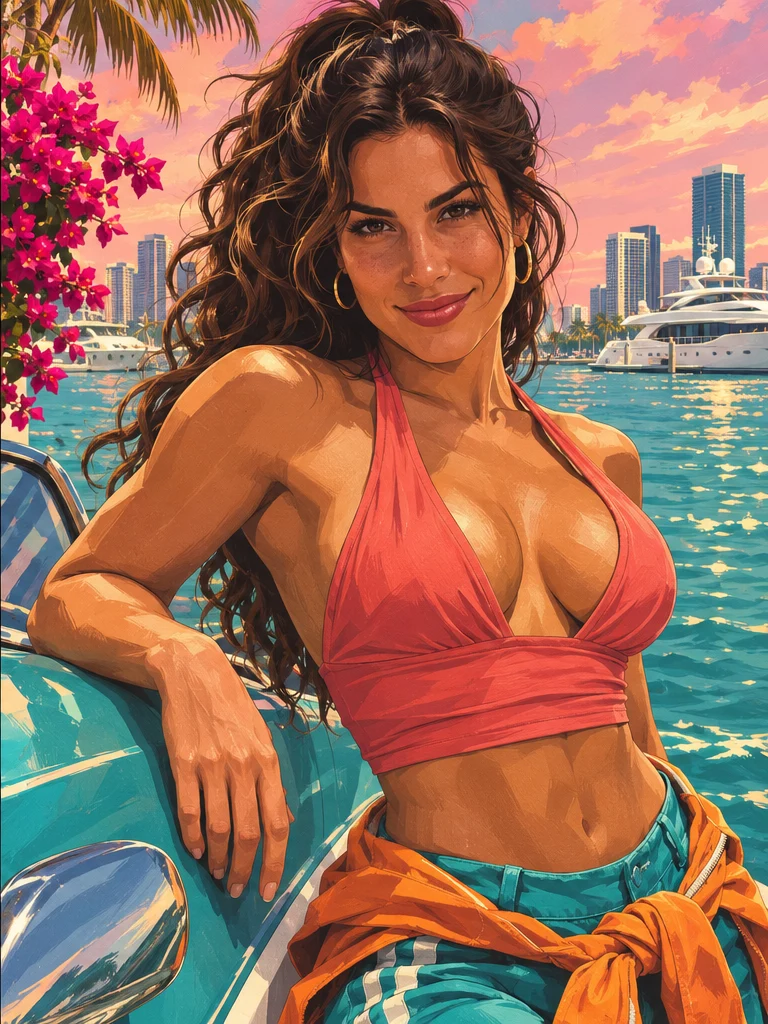
Loading Screen
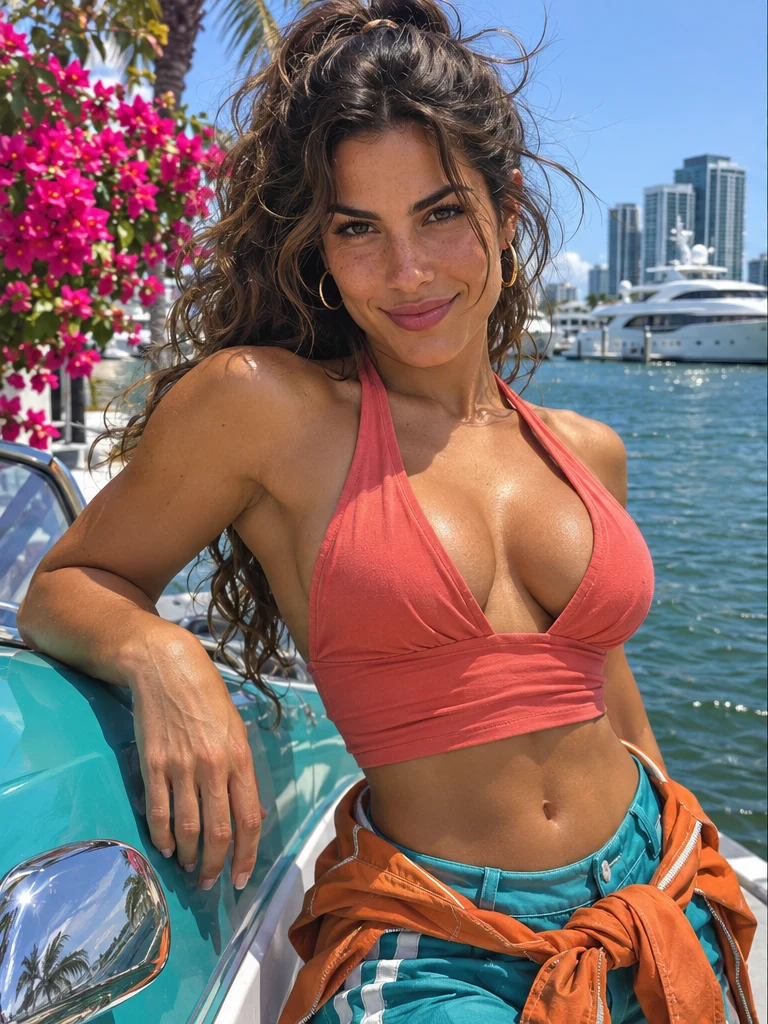
Frame a confident driver against a yacht marina, with warm reflected sunlight and the polished color of a GTA VI loading screen.
Harbor portrait studio
Turn your photo into GTA VI-inspired key art with sunlit skin, vivid tropical water and polished sports cars.

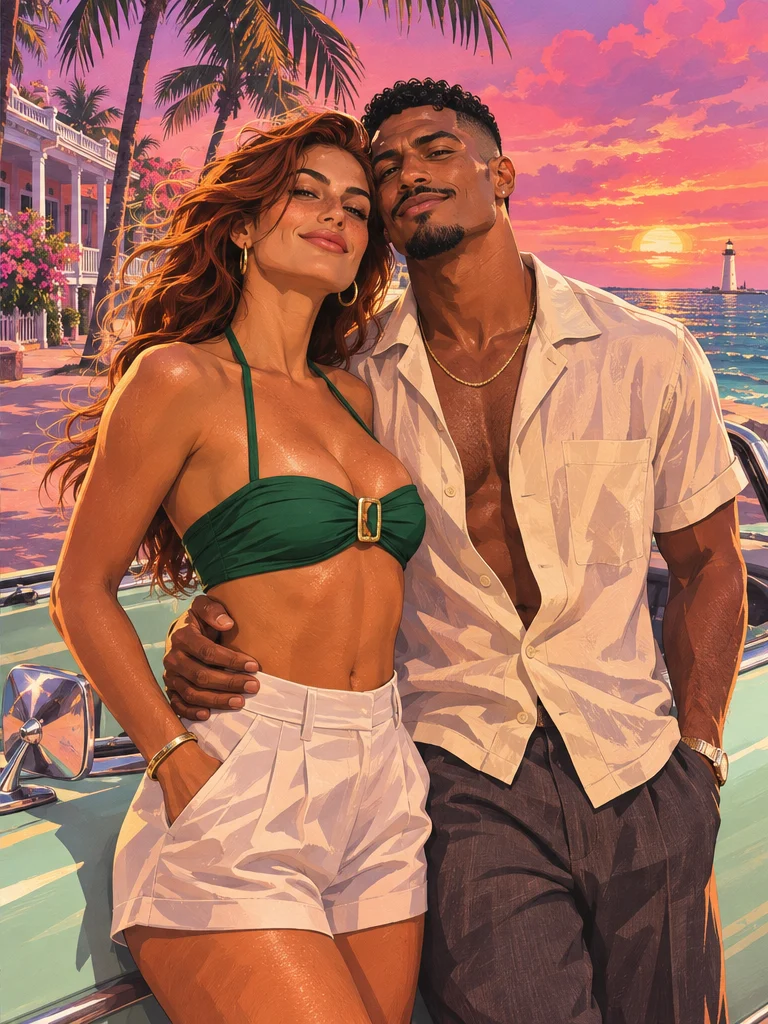
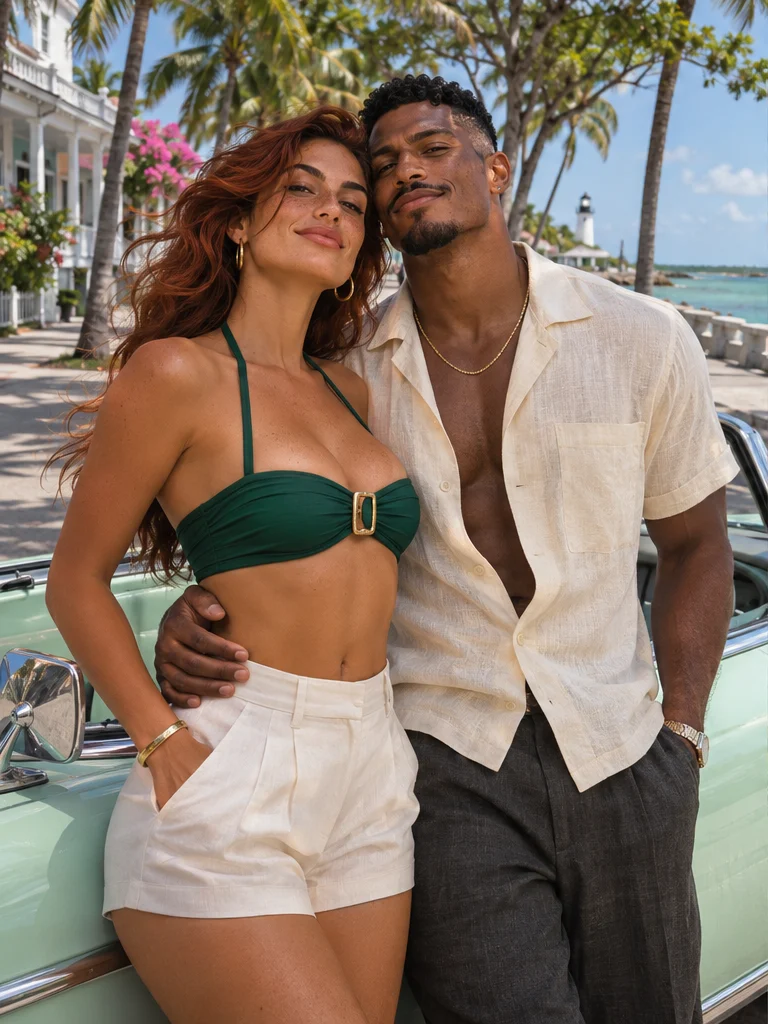
13 art styles / 11 motion scenes
 PortraitKey art
Illustrated study. Your own render will appear here after you apply the filter.
Styles
Choose a style to load it into the generator.
Frame a confident driver against a yacht marina, with warm reflected sunlight and the polished color of a GTA VI loading screen.
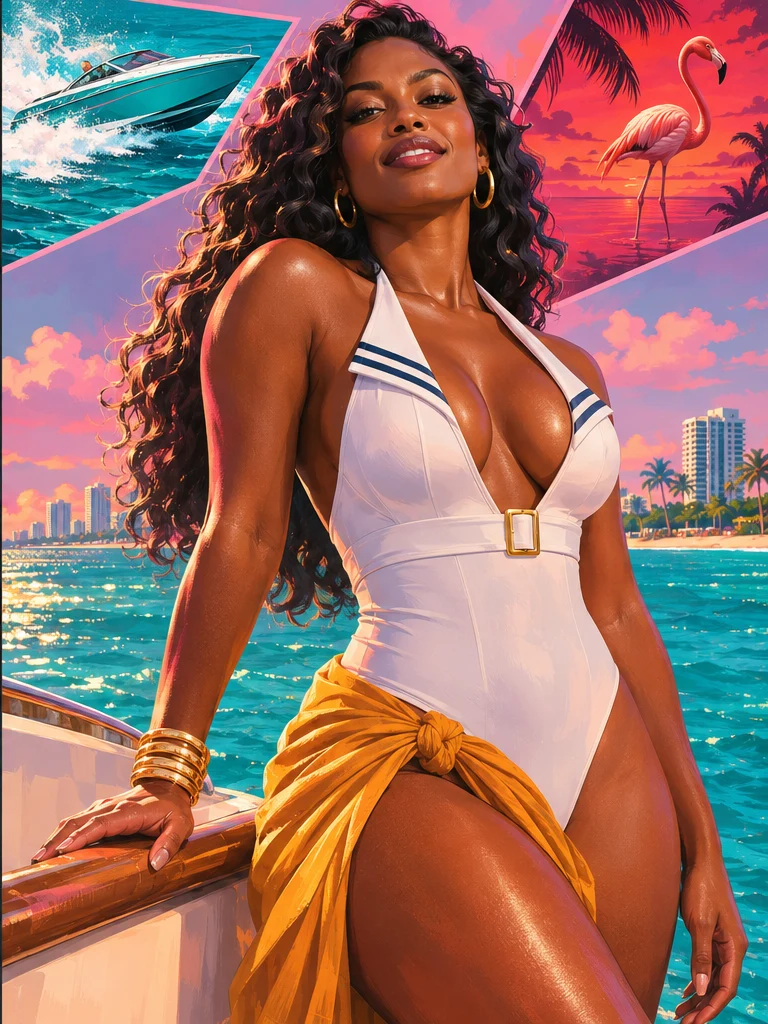
Place the subject at the center of a multi-panel island cover, framed by a yacht, open water and a coral sky.
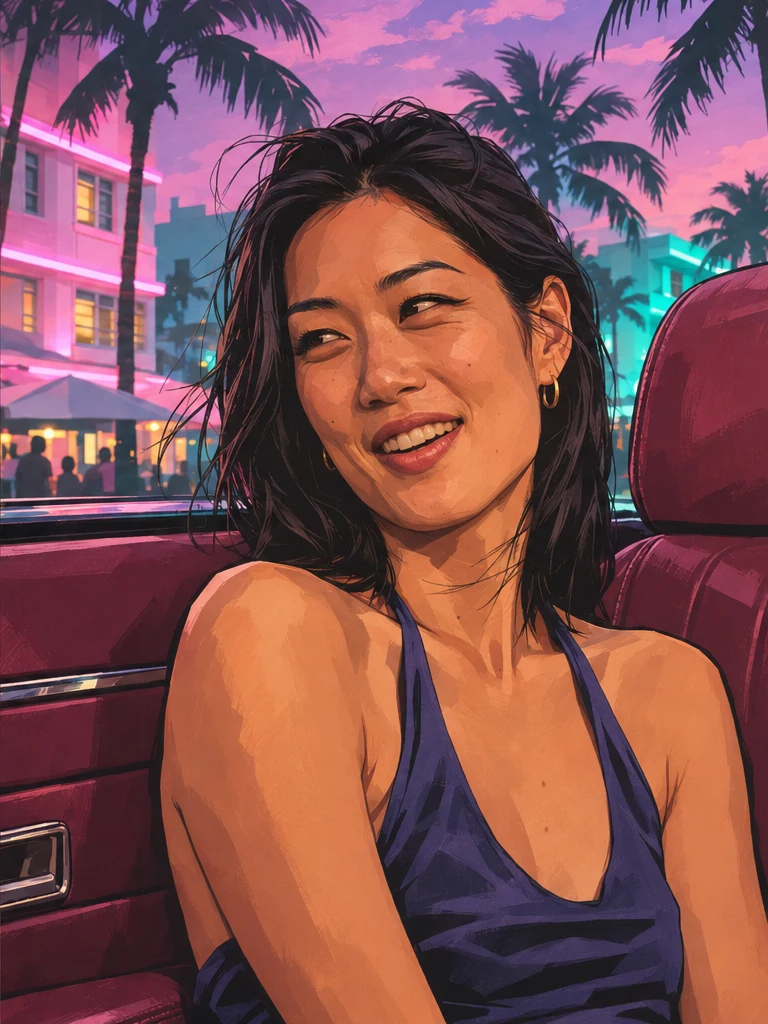
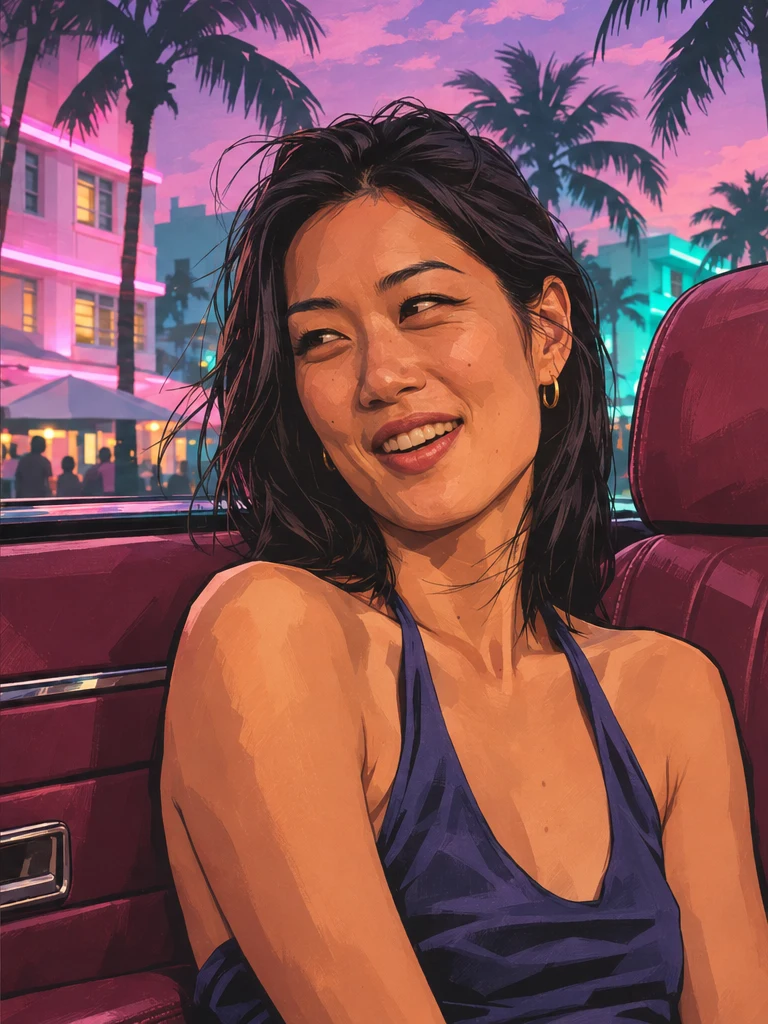
Catch a candid moment in the passenger seat of a convertible. Coral and turquoise neon lights glow along the palm-lined street.
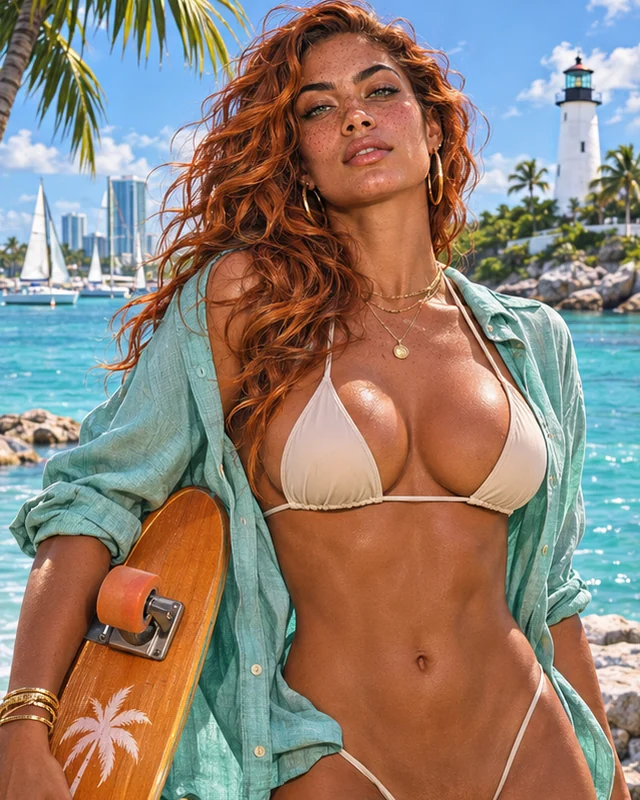
Set an easygoing coastal portrait beside a surfboard and seafoam bay in bright tropical light.
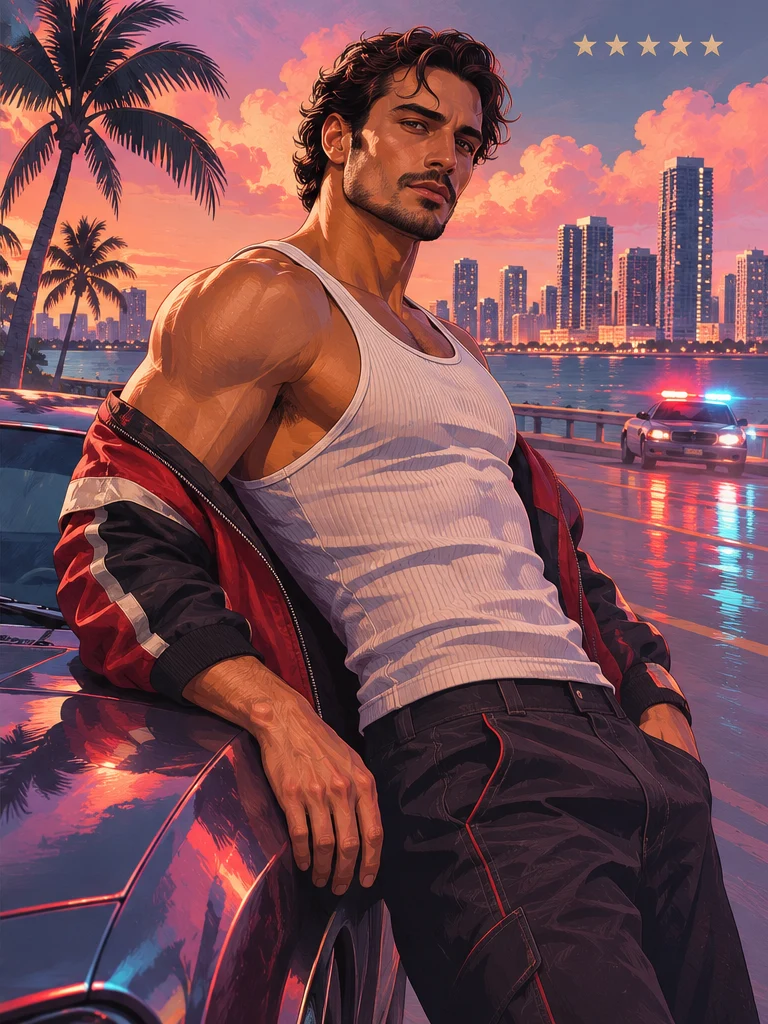
Stage a dramatic trackside portrait beside a muscle car, with red-blue reflections and a distant siren glow.
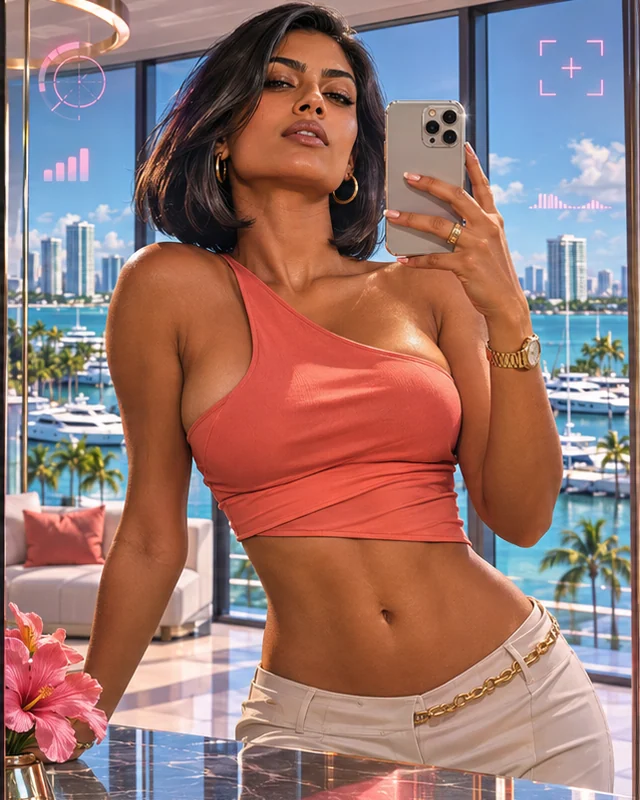
Turn a casual selfie into a game-world portrait with workshop details and a subtle interface frame.
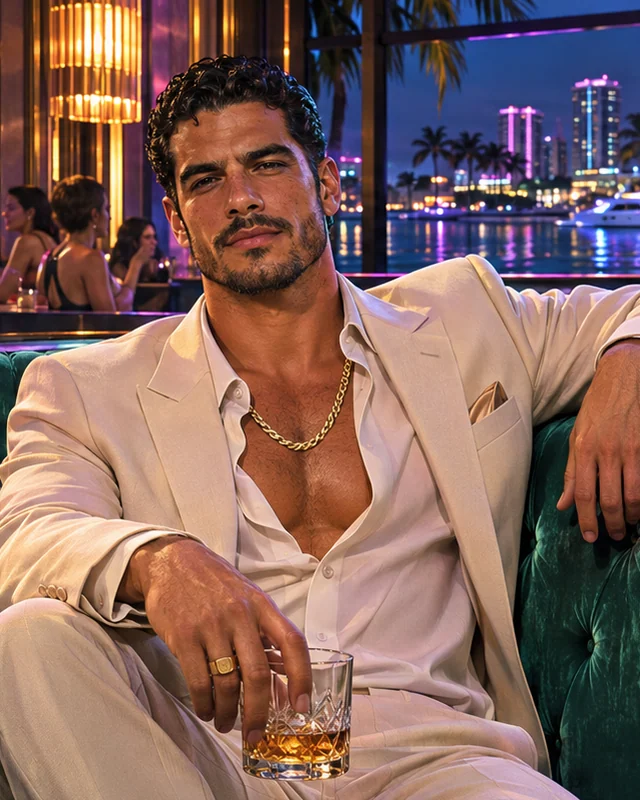
Compose an assured club portrait in a deep-green lounge, with warm highlights and polished tailoring.
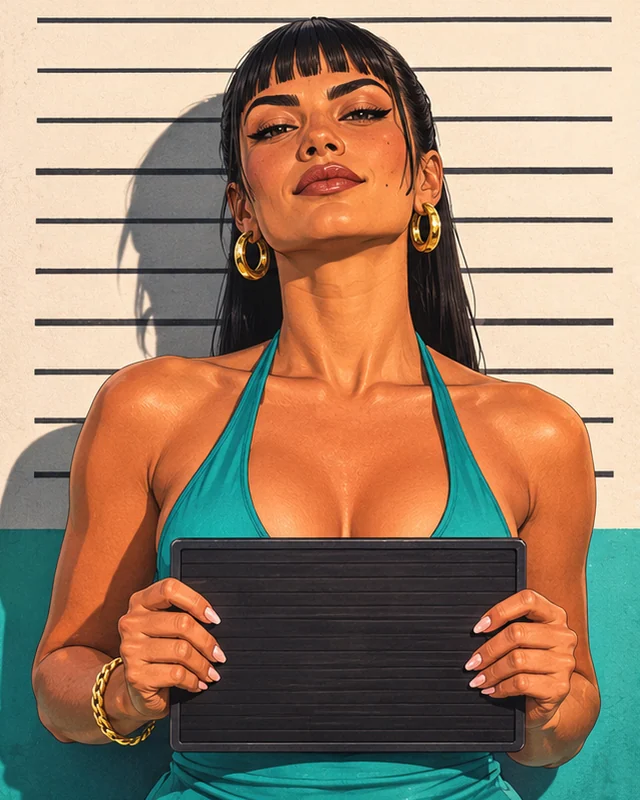
Frame a front-facing character against a height chart, with a booking placard and direct flash.
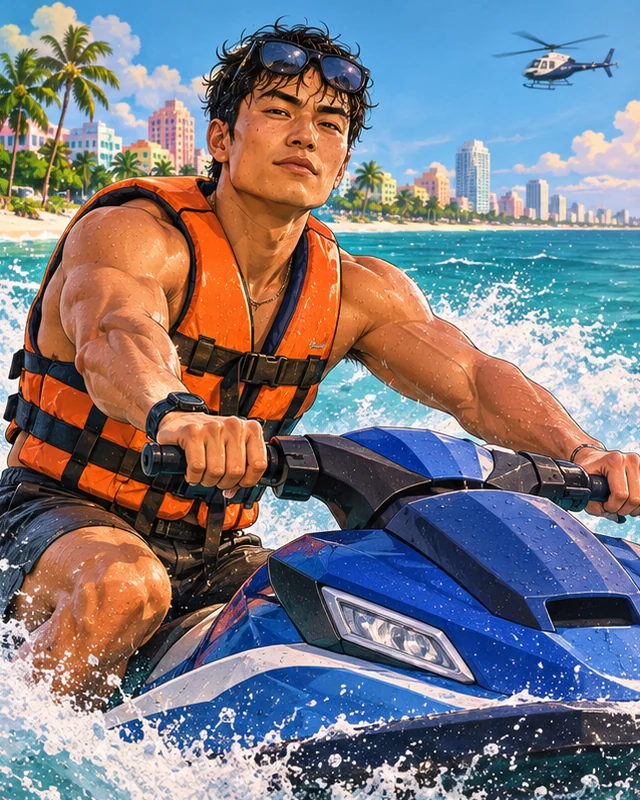
Catch a jet ski cutting through turquoise water in a clean sweep of sunlit spray.
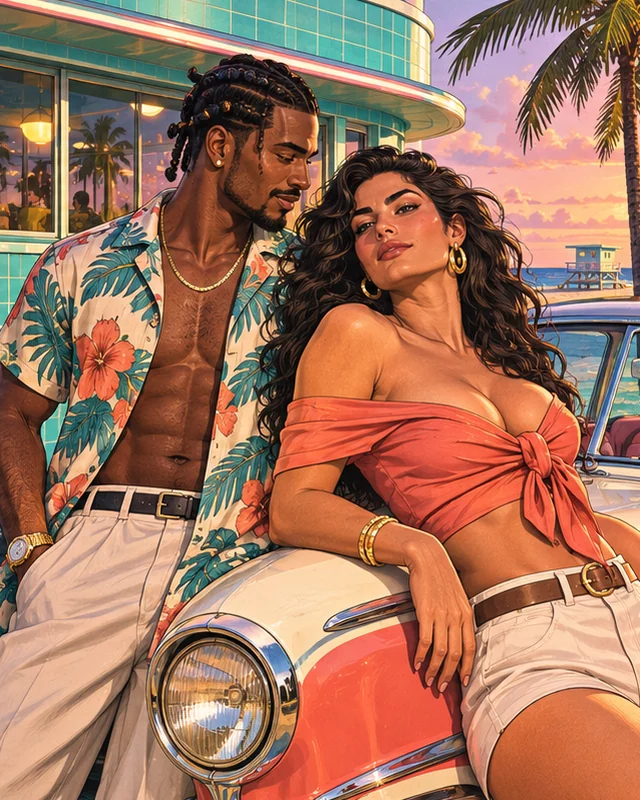
Frame two people beside a convertible on the tropical waterfront, preserving both faces distinctly.
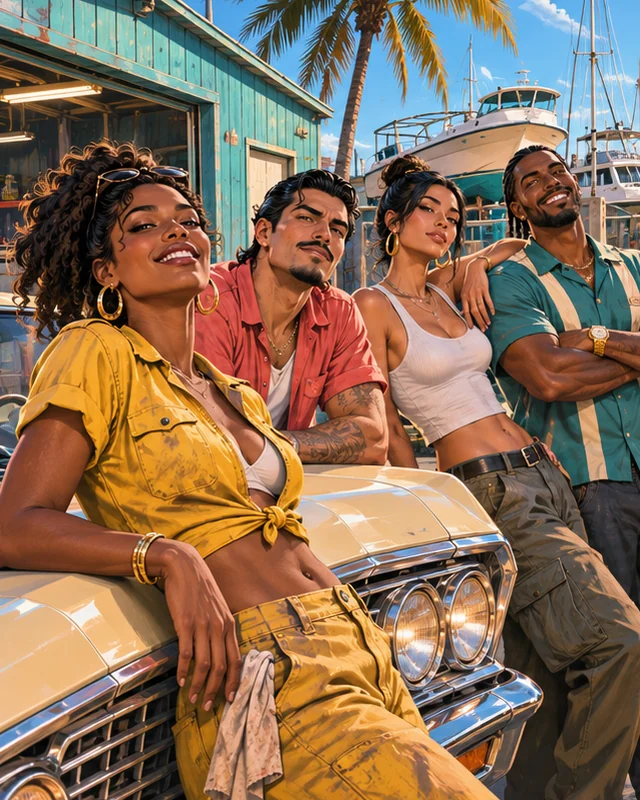
Bring the crew together around a classic car at the marina, giving each person a distinct place in the composition.
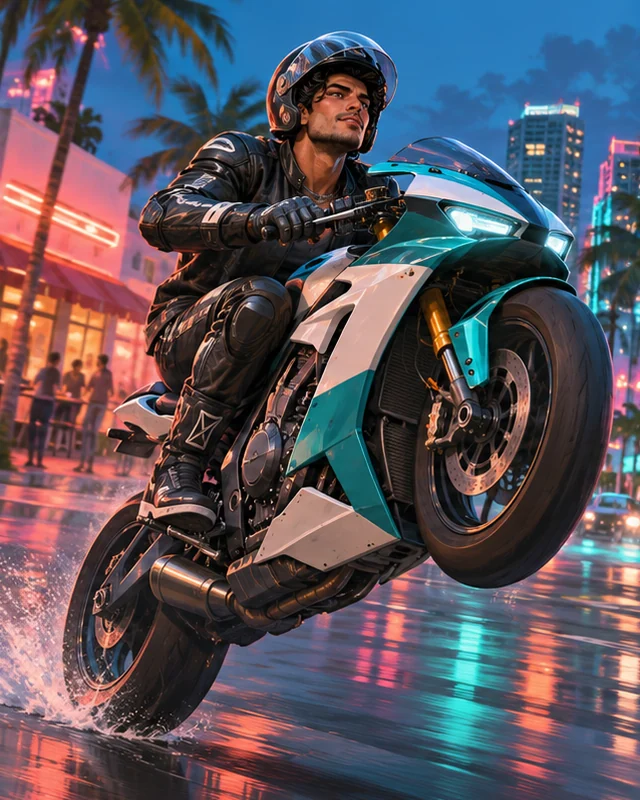
Freeze a motorcycle in a wheelie above rain-glossed asphalt with turquoise city reflections.
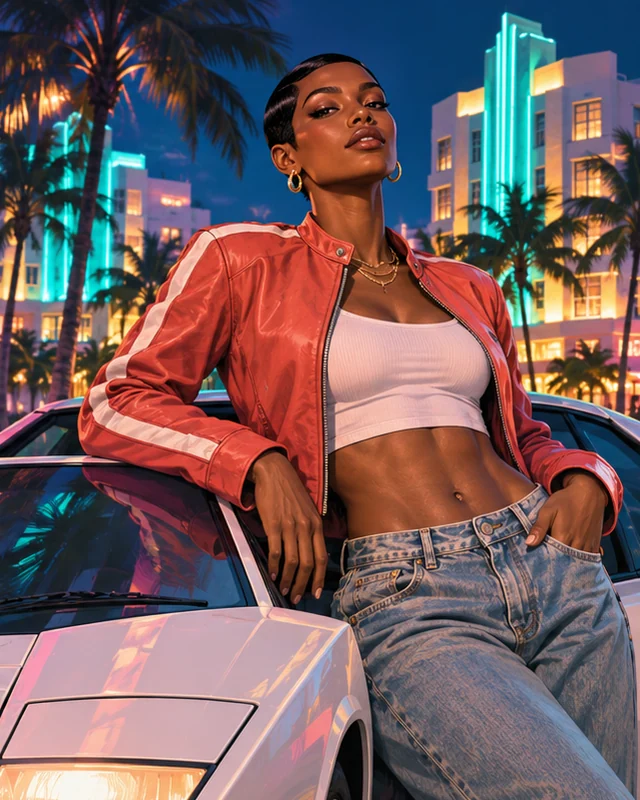
Compose a downtown portrait beside a white supercar, with high-rise reflections and rich night lighting.
Before & after
PortraitKey art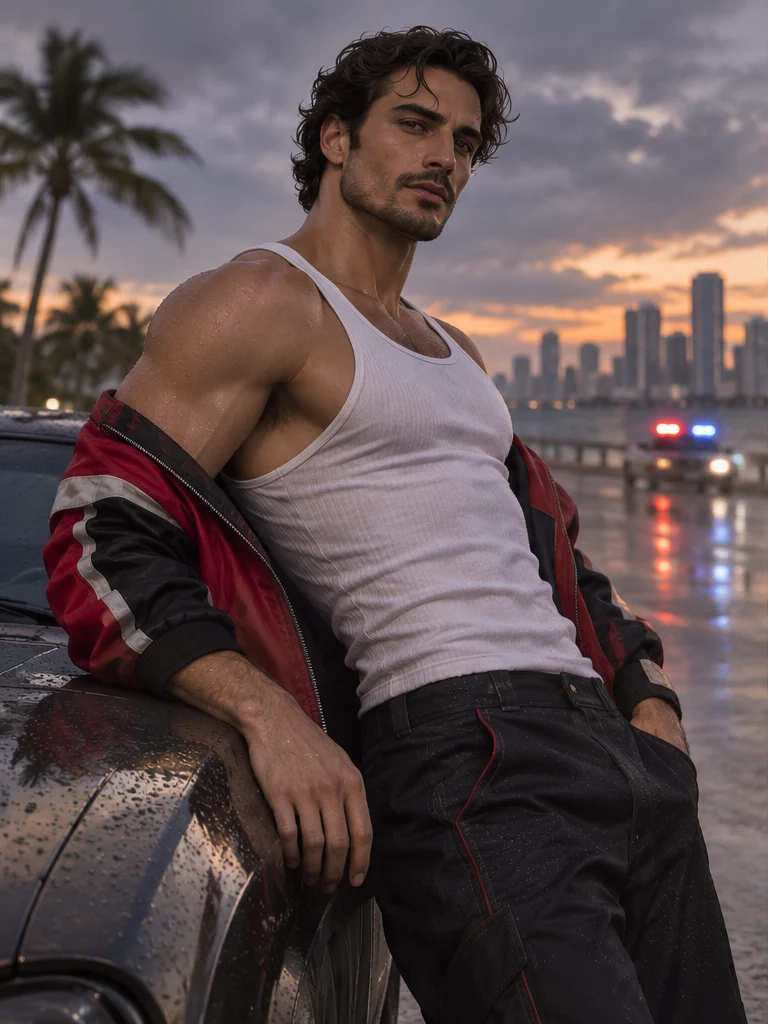 Portrait
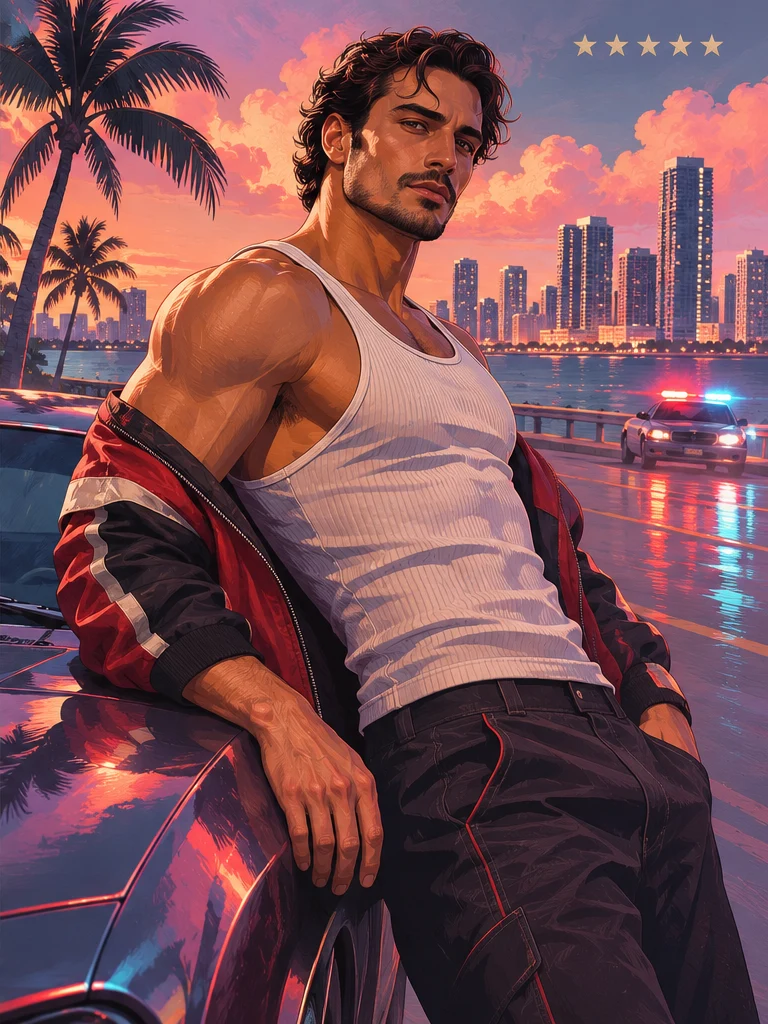 Key art
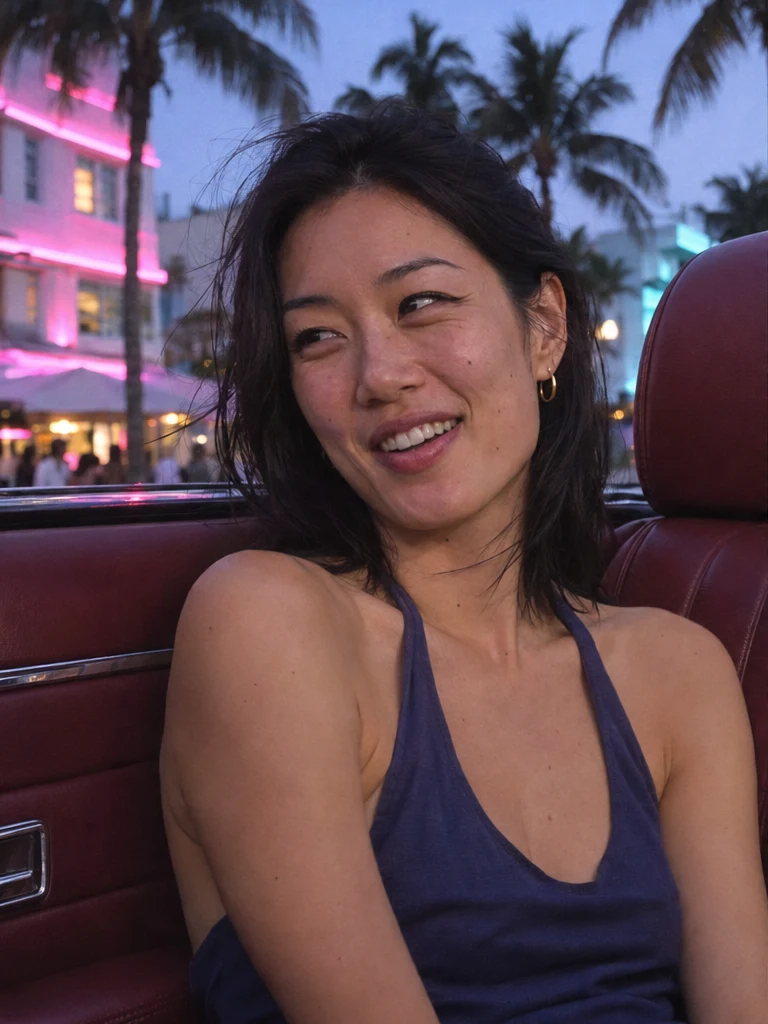 Portrait
 Key art
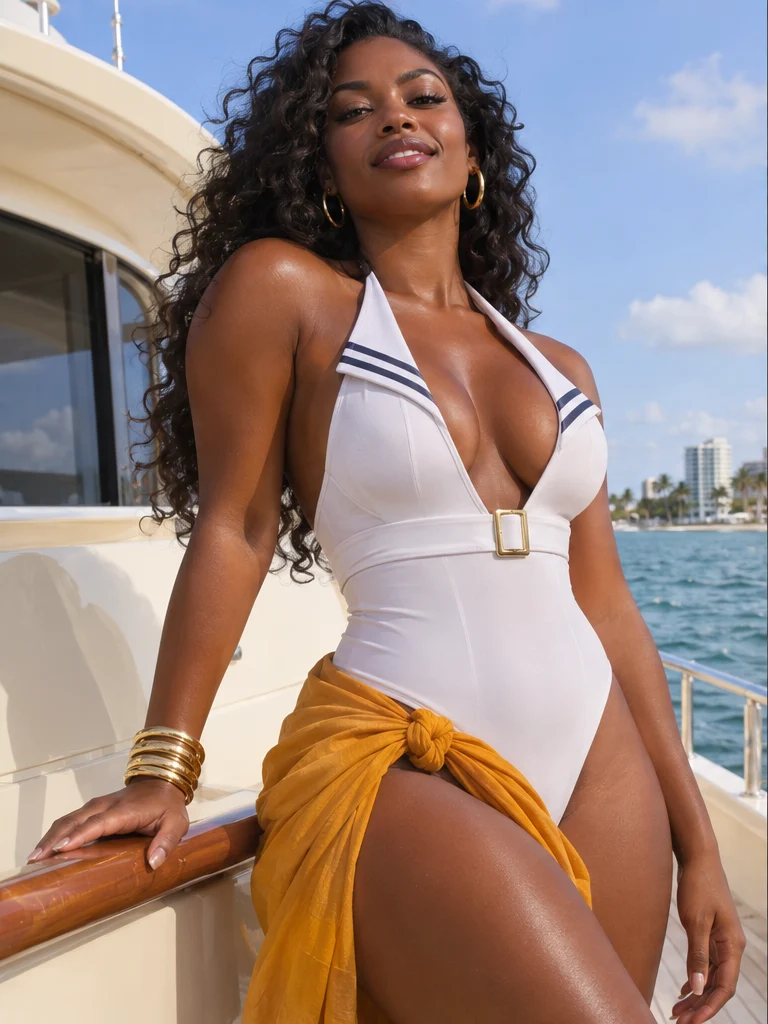 Portrait
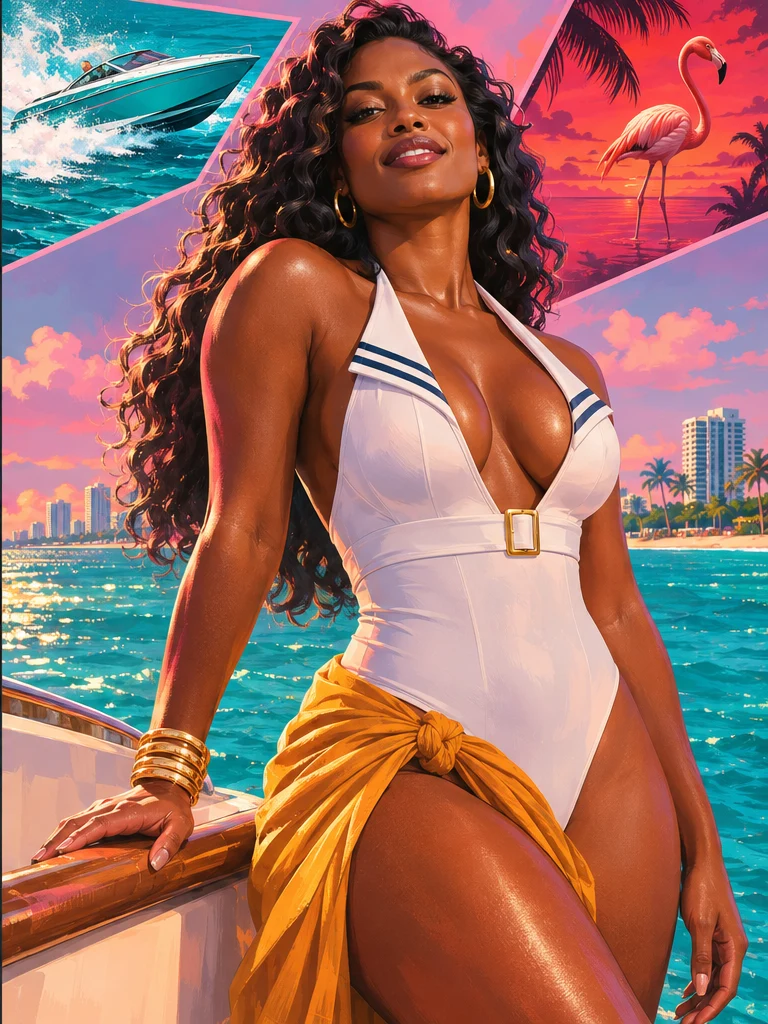 Key art
GTA 6 AI video
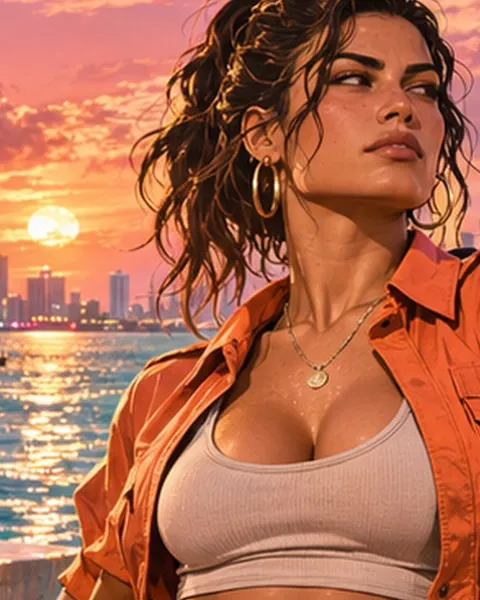
Push in on a driver at the waterfront as the marina comes into view.
Choose scene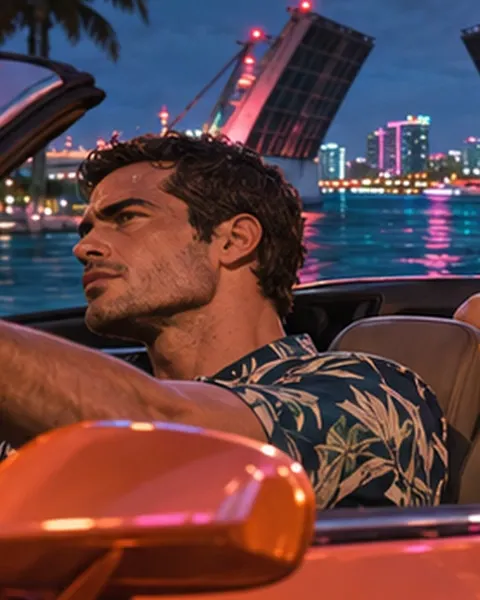
Track a convertible cruising across the bridge above the water.
Choose scene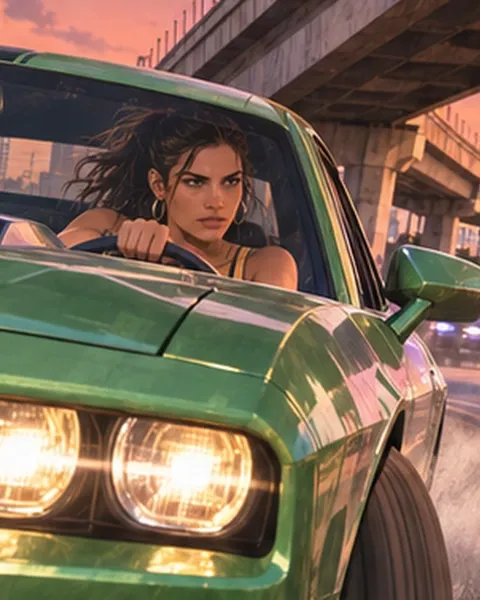
Follow the sports car around an overpass bend as distant lights flash.
Choose scene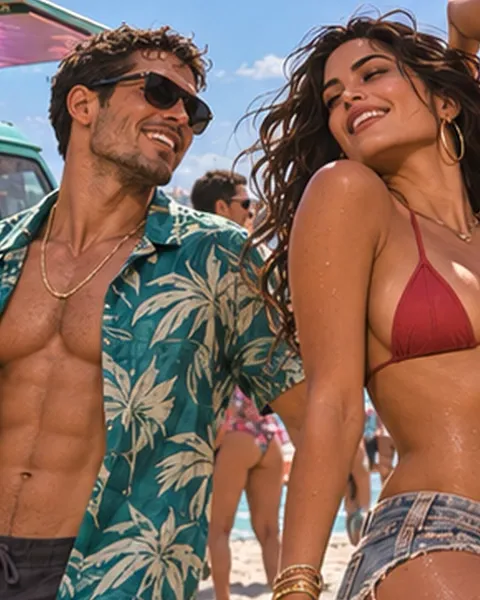
Drift past a DJ and a gathering by the sea in warm coastal light.
Choose scene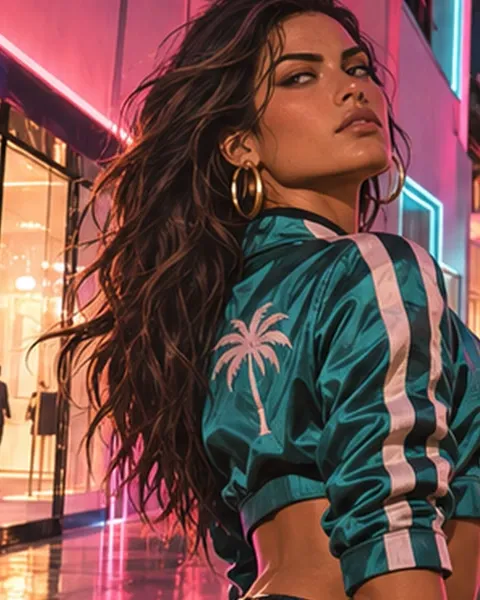
Follow a figure through turquoise signs reflected on wet pavement.
Choose scene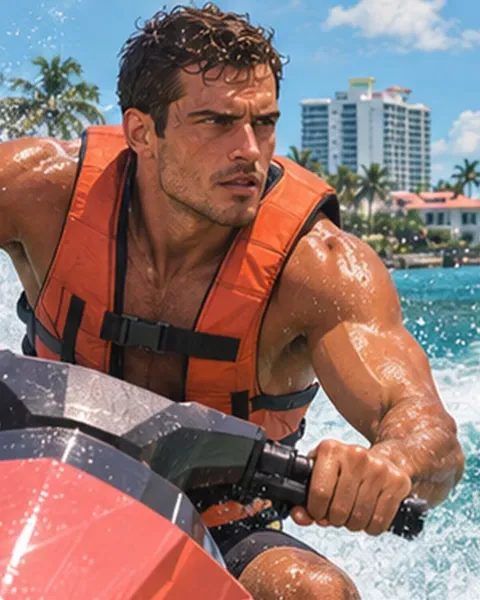
Skim above a jet ski wake as a helicopter crosses the bay.
Choose scene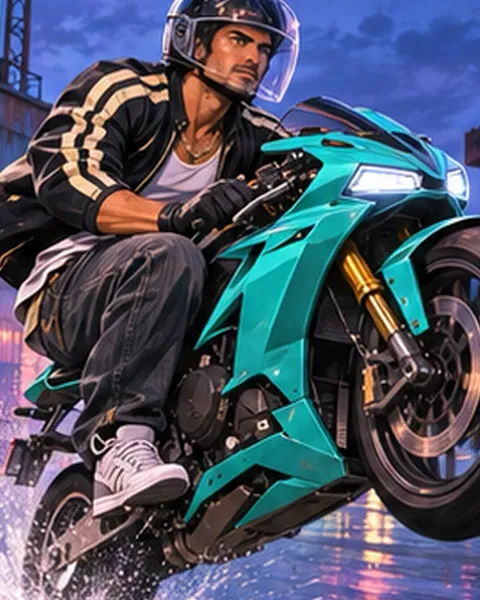
Track a sport bike as its front wheel lifts in dramatic slow motion.
Choose scene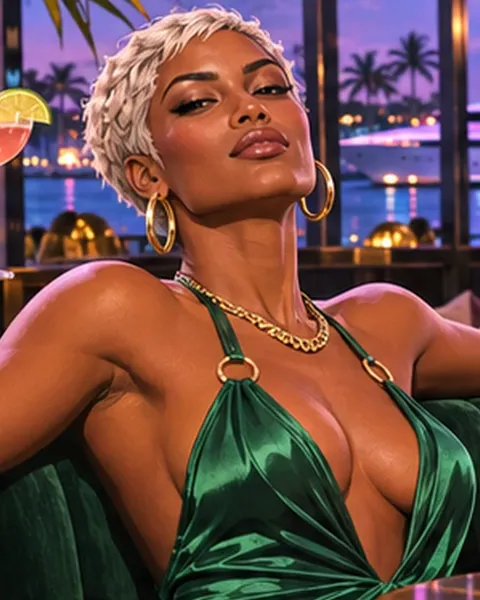
Ease into a club lounge for a close-up as warm light moves across the room.
Choose scene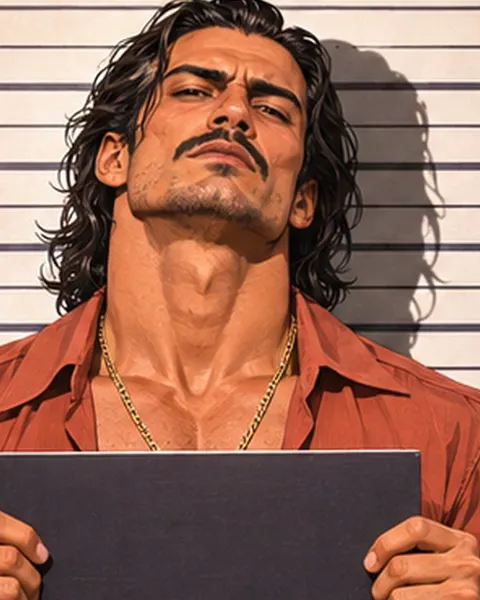
Cut from a front-on portrait flash to a character profile.
Choose scene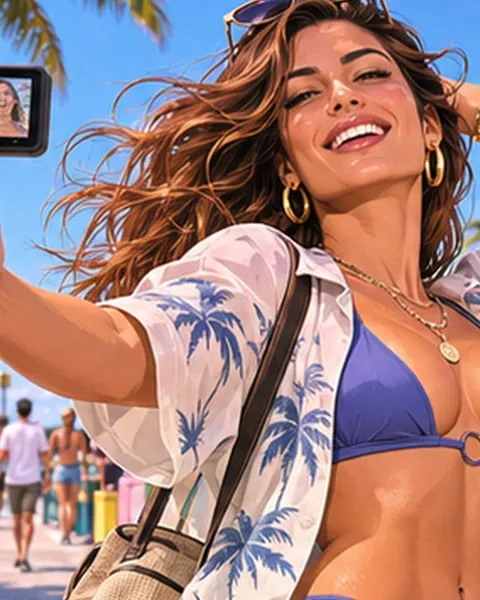
Move with a handheld lens along the busy waterfront.
Choose scene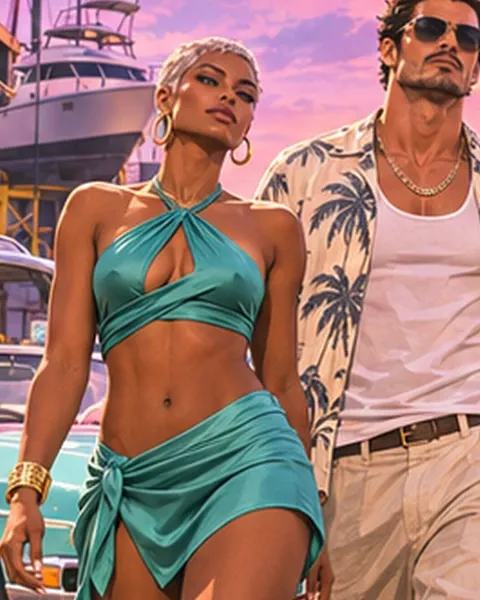
Follow the crew walking toward the lens in a wide cinematic shot.
Choose sceneHow it works
Choose a well-lit photo with a clearly visible face.
Pick a loading screen, pit-lane portrait or garage scene, then add the details you want.
Apply the filter and download the finished image, or switch to video to set up a clip.
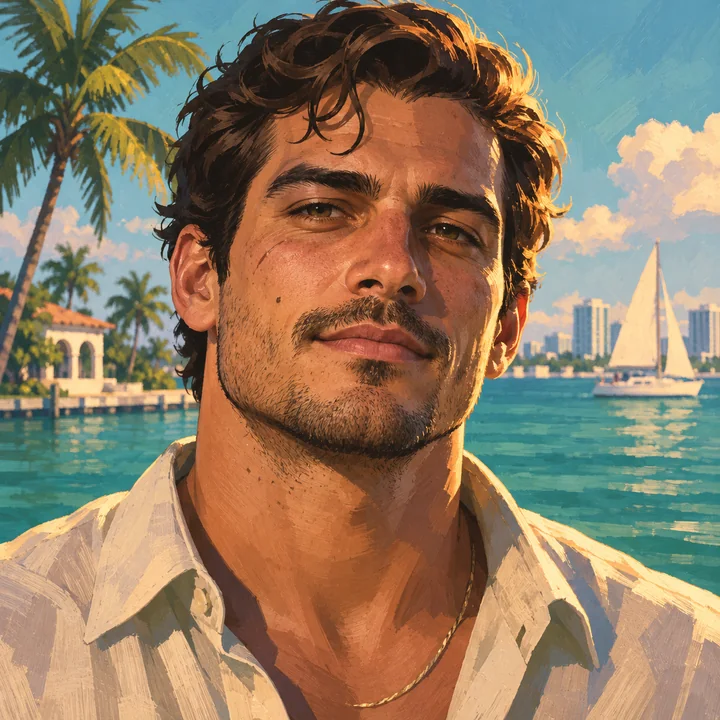
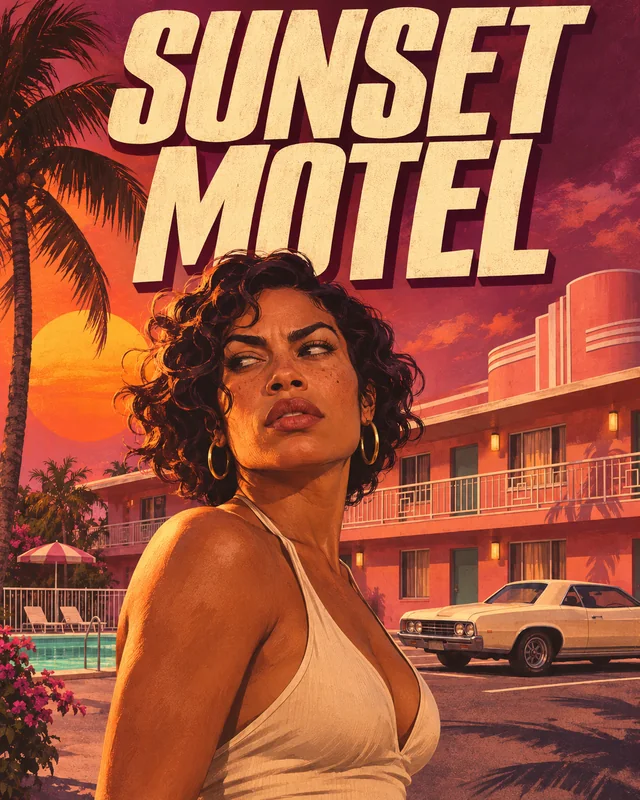
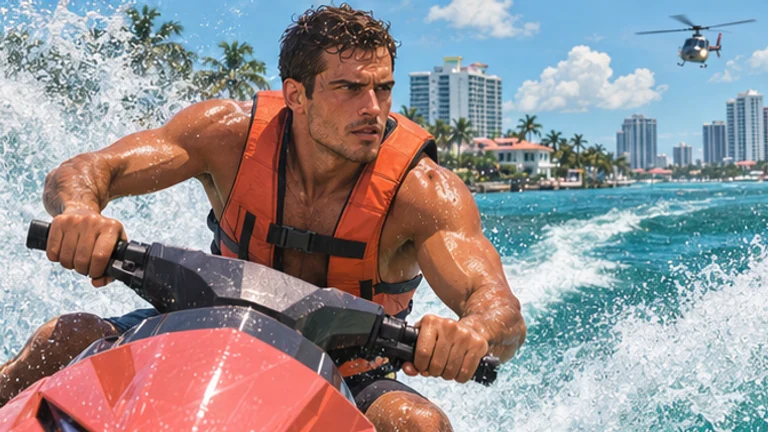
A GTA 6 filter redraws a photo in the style of cinematic game key art. Semi-realistic faces, confident poses and painterly tropical light bring the character into focus.
Access
Style gallery
Explore all 13 illustrated looks.
Browse stylesImage generator
Choose a portrait style and prepare your photo.
Open generatorVideo studio
Preview a scene and set up your clip.
Explore scenesFAQ
Choose a clear photo in the generator, pick an illustrated style, then apply the filter. Your result appears in the preview area when the render finishes.
Start with one clear focal subject and good lighting. Faces with visible eyes and clear edges are easier to translate into poster artwork.
Choose Cover Art for a graphic cover composition or Loading Screen for a cinematic character portrait. Add details such as a race car, a garage door or harbor cranes.
Play an animated storyboard in the video section, then choose its scene to load the setting in the studio.
You can browse the examples and play the scene previews for free. Site pricing will appear here when paid plans are available.
The generator works in a mobile browser. Choose a photo from your camera roll and use the same style and scene controls available on desktop.
GTA6Filter.io is an independent fan project. Rockstar Games and Take-Two Interactive own the GTA marks.
An independent fan project. GTA VI is a trademark of its owners, Rockstar Games and Take-Two Interactive.